
Issue 3
Faster scans, setup tips, and our next big step
Hey, chess lovers!
It’s been a very busy two weeks since our last email. Here’s what we’ve been up to.
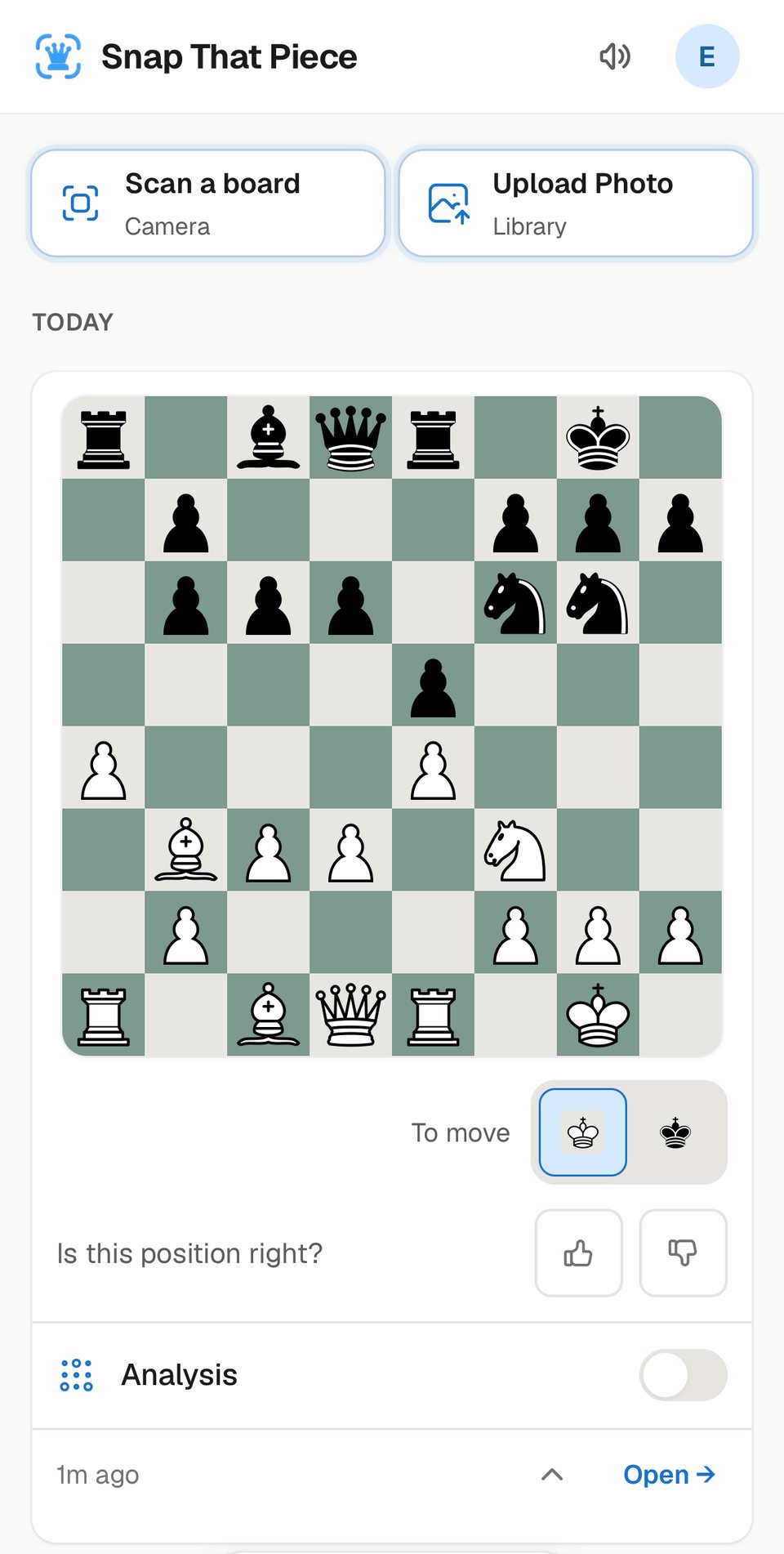
Faster and more reliable. We improved our version 6 pipeline even more: the models work faster, and the app is more stable and reliable. A typical scan now takes about 2 seconds from the moment you pick your photo – almost twice as fast as two weeks ago. And once your photo is uploaded, the board comes back in under a second.
And we are so happy to say that people from more than 90 countries have used the app, on every continent but one. Unfortunately, no one from Antarctica has ever scanned a chessboard – and no one from Greenland either. So if you know anyone there, send them the link. We’d love to see them on our stats dashboard!
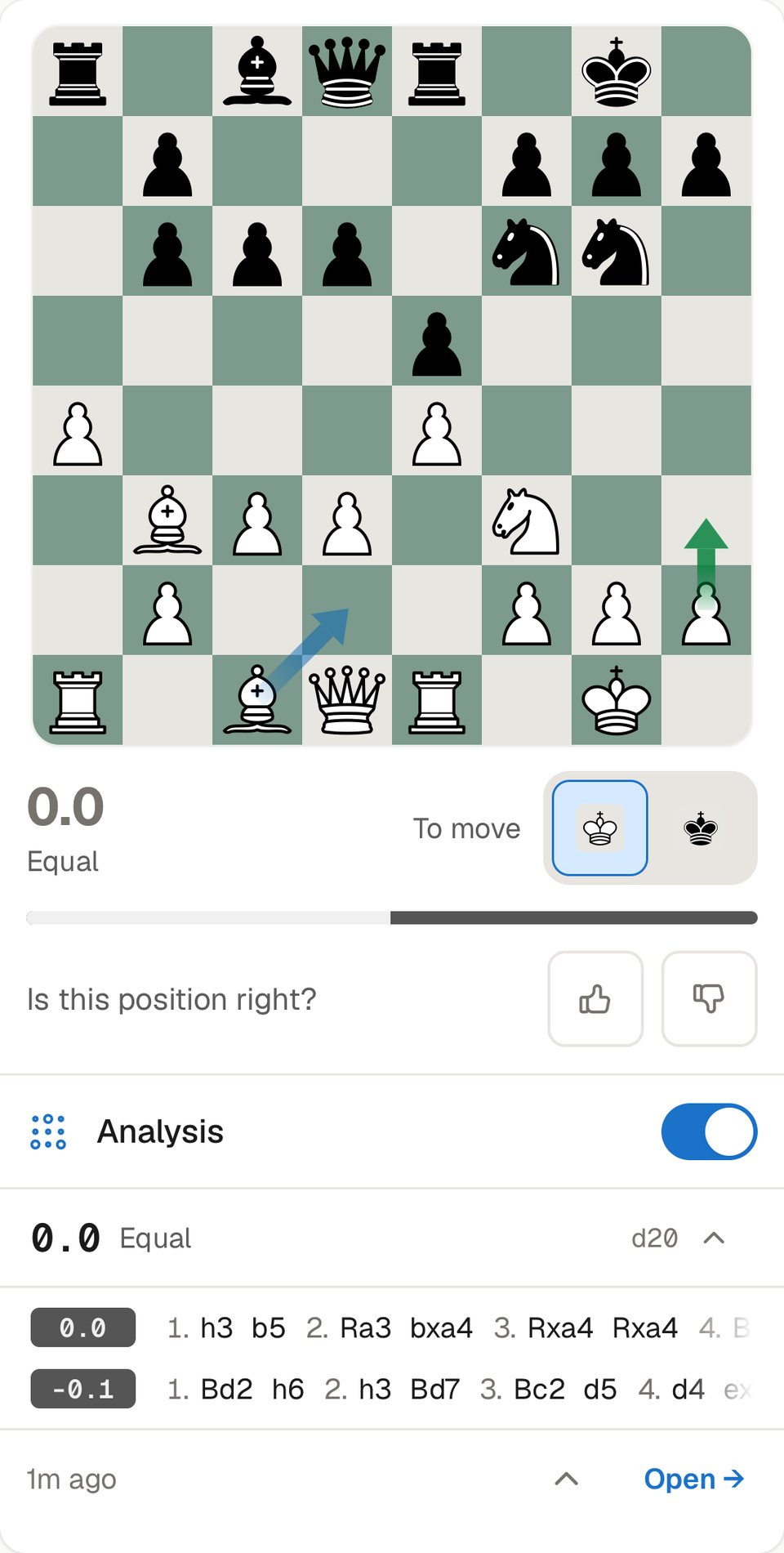
Analysis right in your scans. Any scan in your list now unrolls into a card right where it is, so you don’t need to go anywhere to analyze it. Switch on Analysis and you’ll see the evaluation and the best lines – and with arrows turned on in Settings, the best moves right on the board. And if you want to start a game from it with a bot or a friend, feel free – it’s as easy as before.
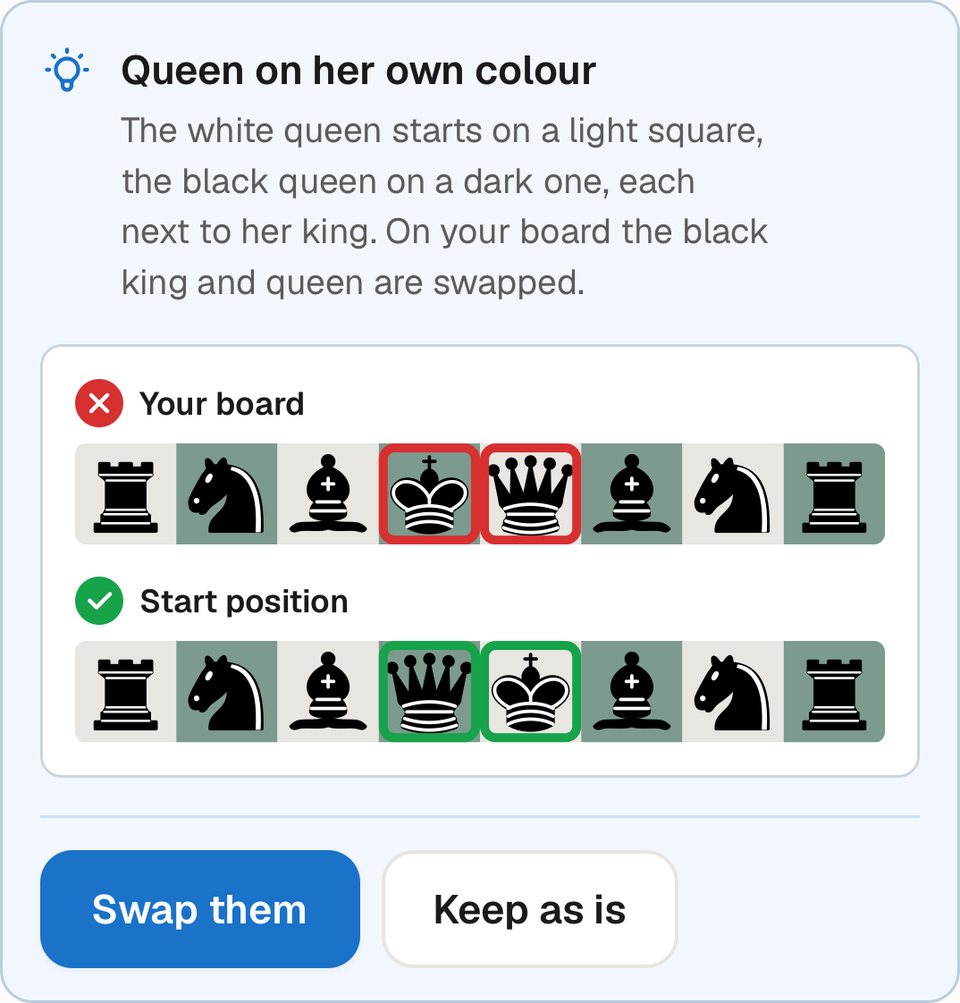
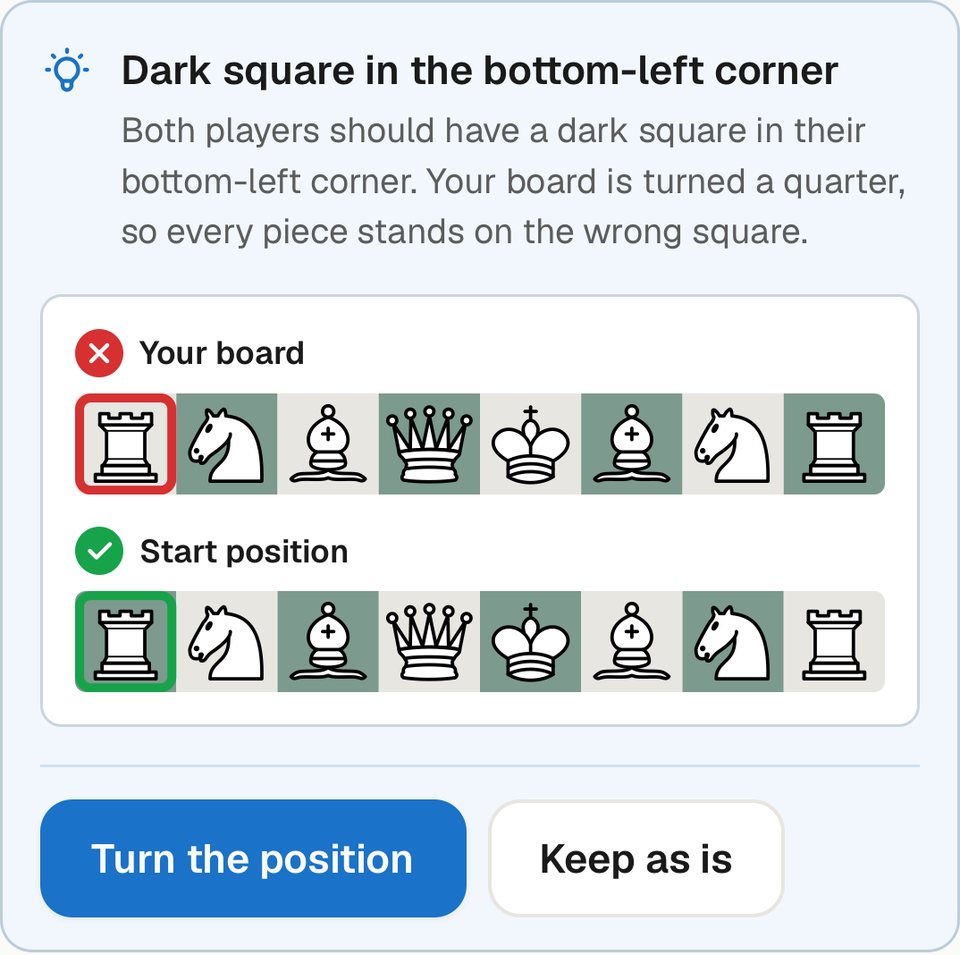
Spotting setup mistakes. We noticed that some players set up their kings and queens on each other’s squares – in about one in six photos of a game’s starting position. That isn’t Chess960 – it’s pure confusion, and we understand it happens to new players. The same goes for a board turned the wrong way, with a light square in the bottom-left corner instead of a dark one. No chess engine can evaluate a position set up like that.
So now the app detects both, tells you it might be a mistake, shows how to set the board up properly, and fixes the position in one tap.
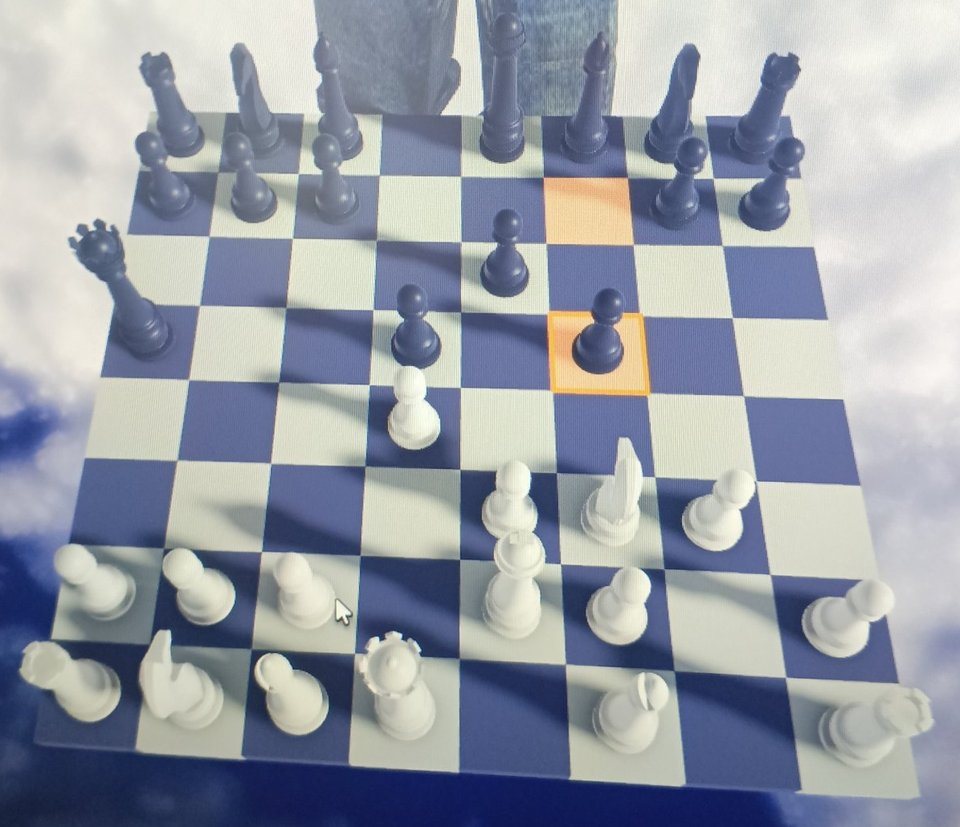
Boards we’ve never seen before. During these two weeks you sent us so many chessboards that we, frankly, had never seen before. And we discovered that many of you scan Roblox boards! We welcome more of them – please keep them coming.
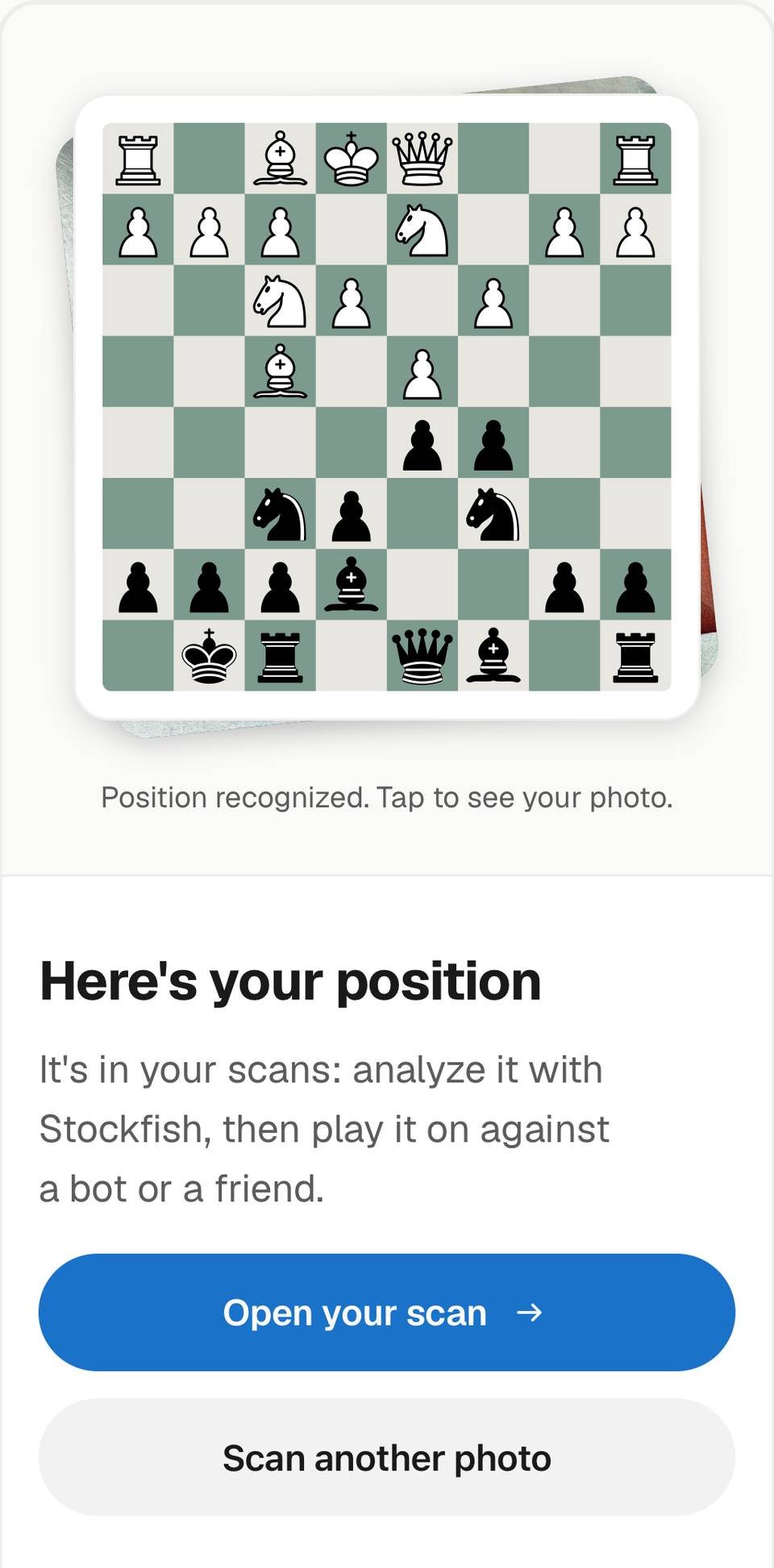
Scanning from our home page. We also improved the scanner on snapthatpiece.com. If you’re already signed in to the app, it’s now easier to get your scan from there into your account.
What’s next: native apps. After all these improvements, our next major step is to finally release native phone apps. That’s what we’re focused on right now.
Thank you. Thank you all so much for taking your time and sticking with us, for sending your scans and for testing our infrastructure. One of you made more than 300 scans in these two weeks, and four more of you over 50 – we really appreciate it.
If you have more ideas, or want to tell us what to do next, please send us a support ticket.
See you in the next edition!
– Nik